A Newfoundland Certificate You Print at Home
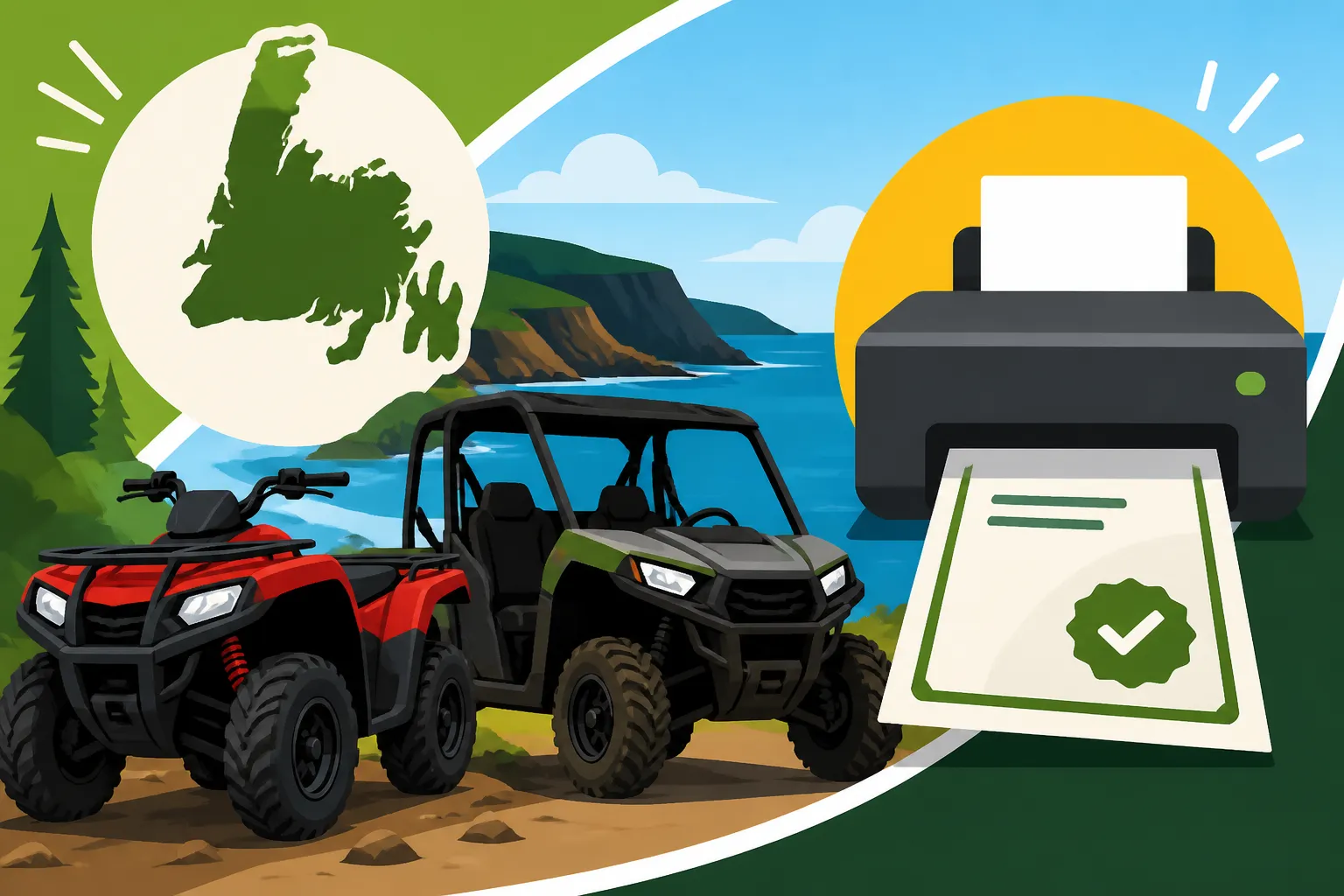
A Newfoundland safety certificate is easy to mistake for a registration permit or trail sticker. It is neither. If you have passed the online ATV safety test, the certificate is proof of training that you can print at home. Here’s what it confirms, how to get it, and what to check before riding or travelling with a machine.
What a Newfoundland safety certificate proves
The certificate documents that a rider has completed an accepted safety-training requirement. For riders who take the online test, passing allows them to print a certificate for their records. The certificate is evidence of training; it does not register an ATV or side-by-side, authorize every route, or replace other permits and documents.
That distinction matters because several separate requirements may apply to a single ride. Depending on the rider and trip, you may need to consider:
- Safety training or proof of training
- Machine registration and its permit or plate
- A managed-trail sticker where required
- Insurance and proof of insurance
- A driver’s licence for certain highway use
- Permission to ride on private land or access to an approved area
A certificate does not confirm that the machine is road legal, that a particular trail is open, or that the rider meets age and supervision rules. It also does not replace the machine’s registration document. For an overview of that separate process, see Newfoundland Registration Paperwork Explained.
Think of the certificate as proof about the operator, not the vehicle. Registration is tied to the machine and its ownership. Training is tied to the person who completed the test or course. One rider’s certificate does not serve as another rider’s proof of training, and a machine’s plate does not demonstrate that its operator has completed training.
The certificate may also be relevant outside the narrow question of who passed a test. If an officer or trail operator asks for proof, a rider needs to be able to produce the required document. The safest approach is to carry a printed copy unless the responsible authority confirms that another format is accepted. Details about carrying proof are covered in Proof Carried While Riding.
Who needs training and when
Do not assume every rider has the same training obligation. Requirements can depend on the rider’s age, the circumstances of the ride, and the current rules. In particular, check the rules that apply to young operators before allowing a child or teenager to ride. The article Newfoundland Training Required Under 16 covers that age-related issue in more detail.
The certificate title can make the process sound like a one-time administrative step for every adult, but that is not a safe assumption. Training requirements and certificate requirements are not always identical. An adult may want to complete the test for safety knowledge, while a legal requirement may apply only to a defined group or situation. Confirm the current rule for the rider and machine rather than relying on what a friend, seller, or online discussion says.
First-time registration can also lead to questions about training. Registering a machine and completing rider training are separate tasks, even if both come up before a first ride. If you are buying a new machine, ask what the registry requires for the registration transaction and what the operator must have before riding. Newfoundland Training When You Register Your First Machine explains why those steps can be confused.
A rider should check the requirement directly when any of these situations apply:
- The operator is under 16.
- The operator is riding a machine for the first time.
- The operator has recently moved to Newfoundland and Labrador.
- The machine is registered in another province or territory.
- The rider is visiting for a short stay or plans to remain longer.
- A suspension, cancellation, or other enforcement matter may affect eligibility.
- A trail operator has its own access conditions.
The final item is important: a certificate may satisfy a training requirement without satisfying every trail-access requirement. Managed trails have separate rules, including sticker requirements in applicable areas. See Managed Trails Require a Sticker on Your Machine for that distinction.
Visitors should not assume that an out-of-province registration settles the training question. Reciprocity and visitor exemptions relate to specific requirements, and one exemption does not automatically remove all other obligations. If you are bringing a registered machine from elsewhere, check Newfoundland Visitors Registered Elsewhere and Newfoundland’s 30-Day Visitor Exemption, then confirm the training rule for each person who will operate it.
How to take the online test and print the certificate
The online route is intended to let a rider complete the safety test and obtain proof without arranging an in-person appointment simply to print a document. The test is accessed through the provincial online service. A practical overview is available at Taking the Free Safety Test on MyGovNL.
The test has been described as 15 questions, with at least 12 correct answers needed to pass. Because test content and online processes can change, confirm the current instructions on the official service before starting. The related explanations, Fifteen Questions Stand Between You and a Certificate and Twelve Right to Pass, describe the question count and pass mark.
A sensible way to prepare is to read the safety material carefully rather than trying to memorize isolated answers. The purpose is to understand safer operating choices: how to prepare a machine, how to protect riders and passengers, and how to respond to hazards. A passing score is useful, but it is not a substitute for a careful pre-ride check or supervision when the rules require it.
A typical process looks like this:
- Check whether the online test applies to you. Confirm the current eligibility and training requirement for the operator’s age and circumstances. If the rider is a minor, check both the training requirement and any parental consent or supervision rules.
- Use the official online service. Follow the instructions on the provincial service rather than relying on an old bookmark, a third-party test page, or a copied set of questions.
- Read each question before answering. If an answer depends on a safety rule, choose based on the current training material rather than guesswork.
- Confirm the result. Make sure the system records that you passed. If it does not show a successful result, do not assume that a partially completed test has produced a certificate.
- Open the certificate and check its details. Confirm that the name and other identifying information are correct. If a detail is wrong or the document is unavailable, use the official support or registry channel to ask how to correct it.
- Print and store a copy. Print a legible version and keep a backup in a safe place. Instructions for the final step are also covered in Printing Your Certificate the Moment You Pass.
If you do not pass, follow the service’s current retake instructions. Avoid relying on a screenshot of an incomplete result or an email that only confirms you started the test. Those may not show that the required training was completed. If the site reports a technical problem, save any confirmation or error details and contact the appropriate support channel before assuming the test is finished.
Before printing, check that the full document is visible and readable. A clipped page, faint print, or missing identifying information could make the document harder to use as proof. If the certificate is several pages long, print all pages that form part of it. Keep the original digital file too, but do not treat a phone copy as an accepted substitute for a paper document unless the applicable authority says it is.
| Item | What it does | What it does not replace |
|---|---|---|
| Safety certificate | Shows that the named rider completed an accepted training requirement | Vehicle registration, insurance, a trail sticker, or land access |
| Registration permit and plate | Identify a registered machine and connect it to its registration record | Rider training, insurance, or permission to use a route |
| Managed-trail sticker | Helps meet access requirements on applicable managed trails | Registration, training, or general permission to ride elsewhere |
| Insurance documents | Show required coverage or provide proof when requested | Training or registration documents |
| Landowner permission | Provides permission to ride on private land where required | Any provincial or municipal operating requirement |
Printing, carrying and replacing your proof
After passing, print the certificate while you can access the account and result. Waiting can turn a quick task into a scramble if you later forget login details, change devices, or need the document before a planned ride. Check Printing the Moment You Pass for more on why it is useful to save a copy promptly.
Store the paper certificate where it will remain readable. A clean document in a sealed pouch is less likely to be damaged by rain, mud, or damp gear than a loose sheet in a storage compartment. A small waterproof document sleeve is one practical option; if you shop for one on Amazon, check its dimensions and closure style so it fits your riding gear and keeps water out. The point is protection, not a particular product.
If you keep a digital backup, save it somewhere you can retrieve without relying on cellular service. A file on a phone may be convenient, but dead zones, a flat battery, a damaged screen, or an unreadable file can make it unavailable when needed. Unless the current rule clearly accepts electronic proof, carry the printed document as well.
Keep the certificate separate from the machine’s registration papers so you can quickly tell which document is which. For a group ride, each operator should have their own proof. Carrying one certificate in the lead machine does not establish that every person in the group has completed training.
If your certificate is lost, damaged or will not print, start with the official online service or the agency responsible for the training record. The correct remedy may depend on how the certificate was created and whether the record is linked to an account. Avoid taking another person’s certificate or changing a document yourself. If the name is wrong, ask how to correct the record rather than altering the printout.
A certificate also cannot be transferred when a machine changes owners. The new operator’s training status is separate from the machine’s registration history. When you buy a used ATV or side-by-side, do not treat the previous owner’s papers as proof that you have met your own training requirement.
What the certificate does not settle for visitors and trail access
A printed certificate is only one part of riding legally. Visitors often face a different set of questions from residents: whether an out-of-province machine may be used temporarily, when registration in Newfoundland and Labrador becomes necessary, and what rules apply to the person operating it. Those are related questions, but they are not interchangeable.
A visitor’s registration status does not by itself answer whether that rider needs training proof. Likewise, a certificate does not determine whether the machine qualifies for a visitor exemption. Check the applicable visitor rule and the training requirement separately. If a planned stay may extend beyond the visitor period, confirm the deadline and registration process with the official source rather than guessing from the date the machine arrived.
For reciprocal questions, make a short checklist for both the operator and the machine:
- Is the machine currently registered where it is normally kept?
- Does the visitor exemption apply to this machine and this trip?
- Does the operator need training proof under Newfoundland and Labrador rules?
- Is the required registration or ownership document available?
- Does the route require a managed-trail sticker?
- Is the planned route open to this type of machine?
- Does the ride involve a road or shoulder with additional requirements?
The training certificate cannot answer the last three questions. Trail access depends on the land and route, and a sticker requirement may apply on managed trails. A road crossing or shoulder ride may also involve separate rules. Before setting out, check the route’s access conditions and the relevant operating rules, not just the papers in the glove box.
For people bringing a machine from another province, the articles Newfoundland Rules for an Out-of-Province Machine and When a Visiting Machine Has to Register in Newfoundland help separate the machine’s registration question from the rider’s other obligations. If you have moved permanently, the visitor exemption is not a substitute for checking the new-resident registration deadline.
Common certificate mistakes to avoid
The most common problem is assuming that having a certificate means everything else is in order. It does not. A rider can have training proof and still be missing registration, insurance, a trail sticker, or permission to use the land. Treat each requirement as its own checklist item.
Other mistakes are easy to prevent:
- Using someone else’s certificate. Training proof belongs to the person named on it. Each operator should confirm their own status.
- Assuming a test result is the same as a certificate. Make sure the service records a pass and provides the actual document.
- Relying only on a phone. Carry paper unless electronic proof is expressly accepted for the situation.
- Printing only part of the document. Check that the printout is complete and legible.
- Leaving it where mud or water can ruin it. Store it in a protected place and keep a backup.
- Confusing training with a permit. A certificate does not register a machine or grant access to a trail.
- Assuming visitor status removes the training rule. Confirm each requirement separately.
- Waiting until the trailhead to investigate. Resolve account, printing and eligibility questions before the ride.
A quick document check before departure can save a frustrating return trip. Confirm that the certificate is for the operator who will ride, the registration papers match the machine, and any separate access requirement has been met. If the official instructions are unclear, ask the responsible office or trail operator before relying on an assumption.
Frequently Asked Questions
Can I print the Newfoundland ATV certificate at home?
Yes. After successfully completing the applicable online test, the certificate can be printed at home. Check the official service for current instructions and make sure the completed document is legible.
Is the certificate the same as ATV registration?
No. The certificate is proof of rider training. Registration is tied to the machine and its ownership record. A training certificate does not replace a registration permit or plate.
Does every adult rider need the online certificate?
Do not assume the same rule applies to every rider. Requirements can depend on age and circumstances. Check the current official training rules for the person who will operate the machine.
Can I use a phone copy instead of carrying paper?
Do not rely on an electronic copy unless the relevant authority confirms that it is accepted. Carrying a printed copy is the safer option when the required form of proof is uncertain.
Does the certificate let me ride on any managed trail?
No. A certificate does not grant trail access. Managed trails can have separate sticker and access rules, and the route must be open to the machine you plan to use.
Disclaimer
This article is for general informational purposes only and does not constitute professional advice. Laws, prices and regulations vary by location and change over time. Consult a qualified professional for guidance on your specific situation.